Vocal Video has always turned each new response into a finished, branded video automatically, with motion graphics, captions and music, and no one in the editor. No other tool in the category produces the video for you at all. Our September release turbocharges that with AI. AI-directed templates pick the strongest moments from each response and cut them in the style and format you choose: a long-form story for your website or YouTube, a one-minute testimonial, or a vertical clip for TikTok, Reels and Shorts. Vera, your AI assistant, builds highlight reels across several respondents and changes any video when you ask. And an MCP server lets Claude, ChatGPT and other AI assistants run Vocal Video for you.
One thing hasn't changed, and won't. The AI styles the video and helps you choose what to include, but it never fakes a person or their words. Every word said on screen is the real recording of a real person.
Meet Vera, your AI assistant
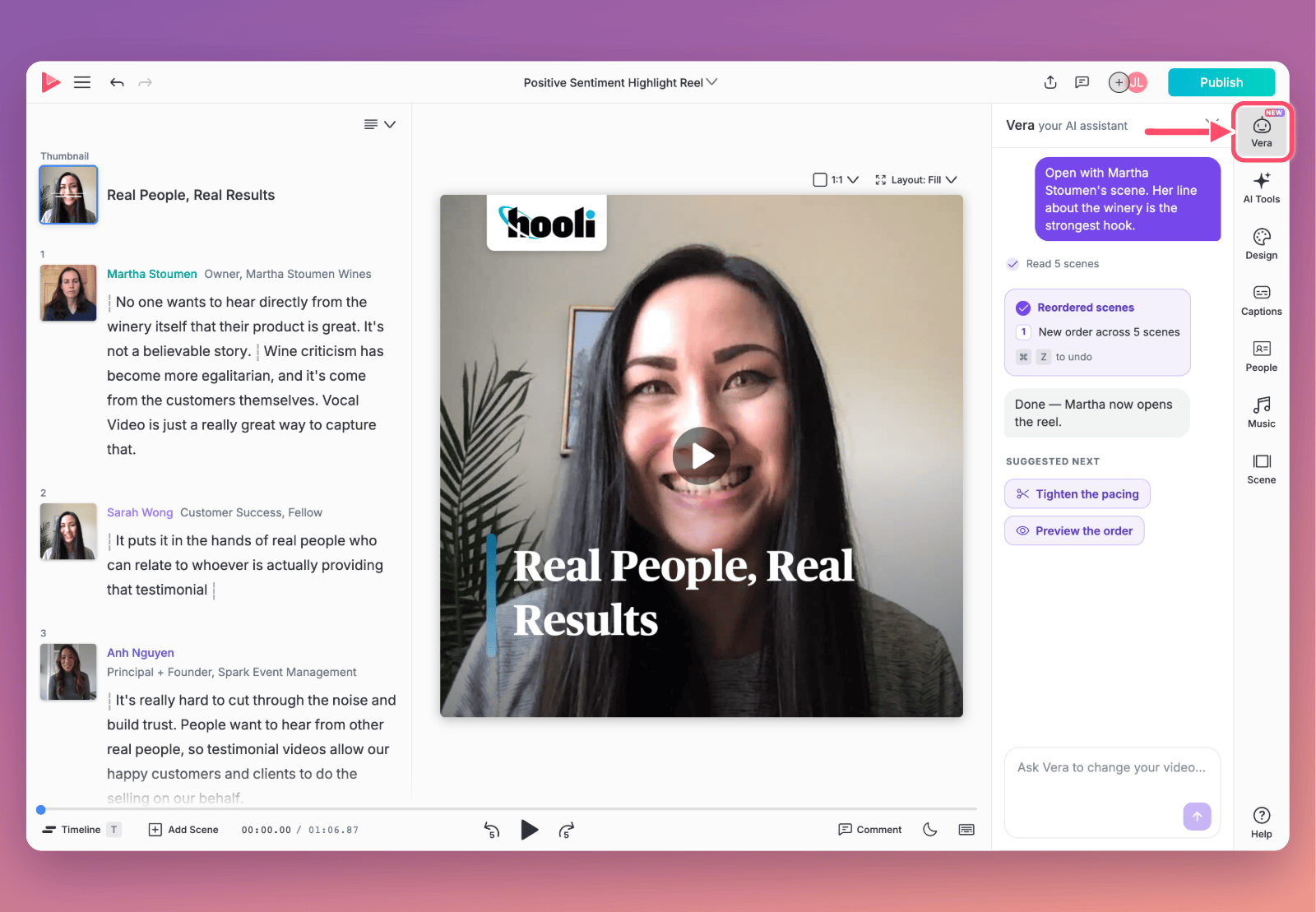
Vera is an AI assistant built into Vocal Video who does the work in your account, not just explains it. Open her from the sidebar in the video editor or a template, describe what you want, and she builds it. She tells you what she changed, and you can undo it.
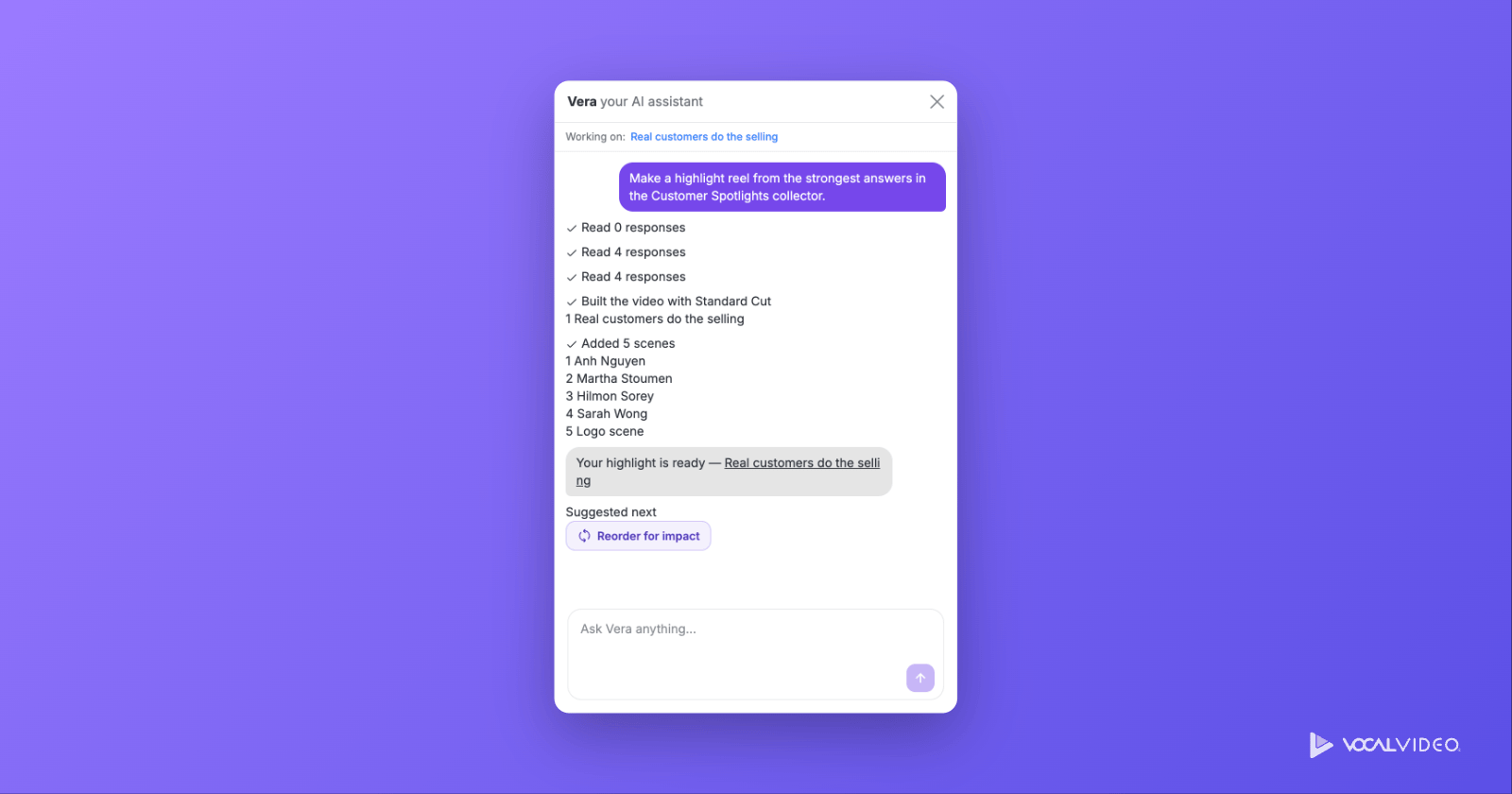
Things you can ask Vera:
- "Make a one-minute video from Priya's response."
- "Cut a highlight reel from this quarter's customer responses."
- "Set up a collector for new hires, with four questions about their first month."
- "Build a gallery of our healthcare testimonials."
- "Find the best moments in this week's responses."
Vera works from one response or several, so a multi-person highlight reel is one request. If you ask how something works rather than asking her to do it, she points you to the right help article or support.
Video templates: define your look once
A template now defines the whole look of your videos: theme, colors, fonts, captions, music, audio cleanup, format, and fixed opening and closing scenes such as a logo intro or a closing card. It replaces the old Default Video Settings page, which covered only part of that, so whatever it missed had to be fixed by hand on every video. With a template, you set it once.
You're not limited to one look, either. Keep one template for customer stories, another for recruiting, another for vertical social cuts, and choose which one each collector uses.
On top of the look, a template can use AI direction: written Instructions that tell the AI how to cut, such as which moments to feature, in what order, and how long the video should run. Apply it to a response and it picks the strongest quotes and sequences them into a finished draft in your style.
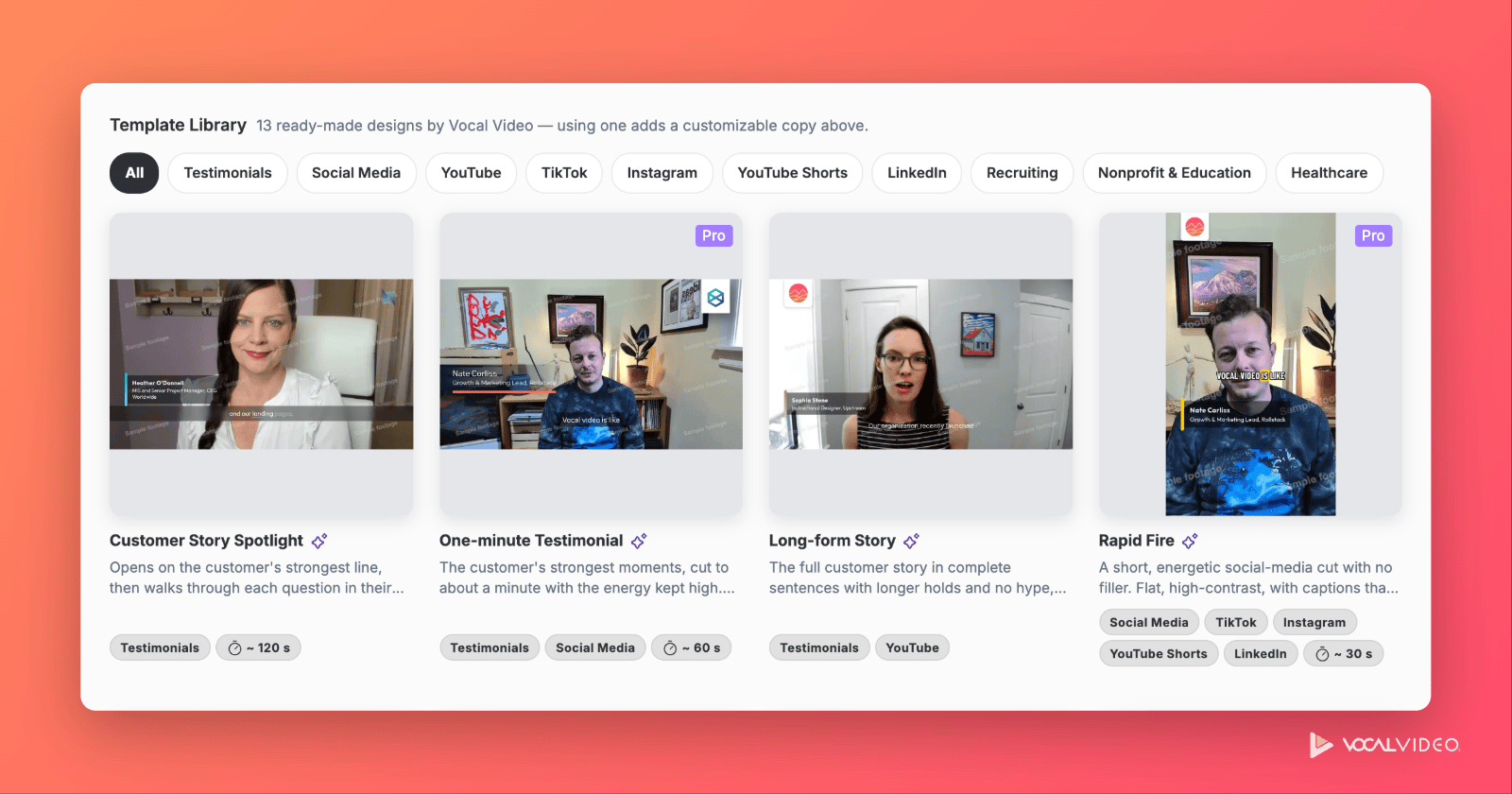
To get you started, the template library ships with 13 templates in two groups:
- Stories: Customer Story Spotlight, One-minute Testimonial, Long-form Story, Employee Story, Community Story, Patient Story, and Executive Endorsement.
- Social-media cuts: four portrait styles for TikTok and Reels (Rapid Fire, Marquee, Newswire and Tilt), YouTube Shorts, and Square Feed Cut for LinkedIn.
Templates marked Pro in the library use a Pro theme, font or background effect. On Free and Essential plans you can still adopt them; switch those elements before you publish.
Choosing Use template copies one into your workspace, optionally in your own brand colors, so you can change anything, including its Instructions. You can also turn any video you've made into a template with Save to template.
A finished draft for every new response
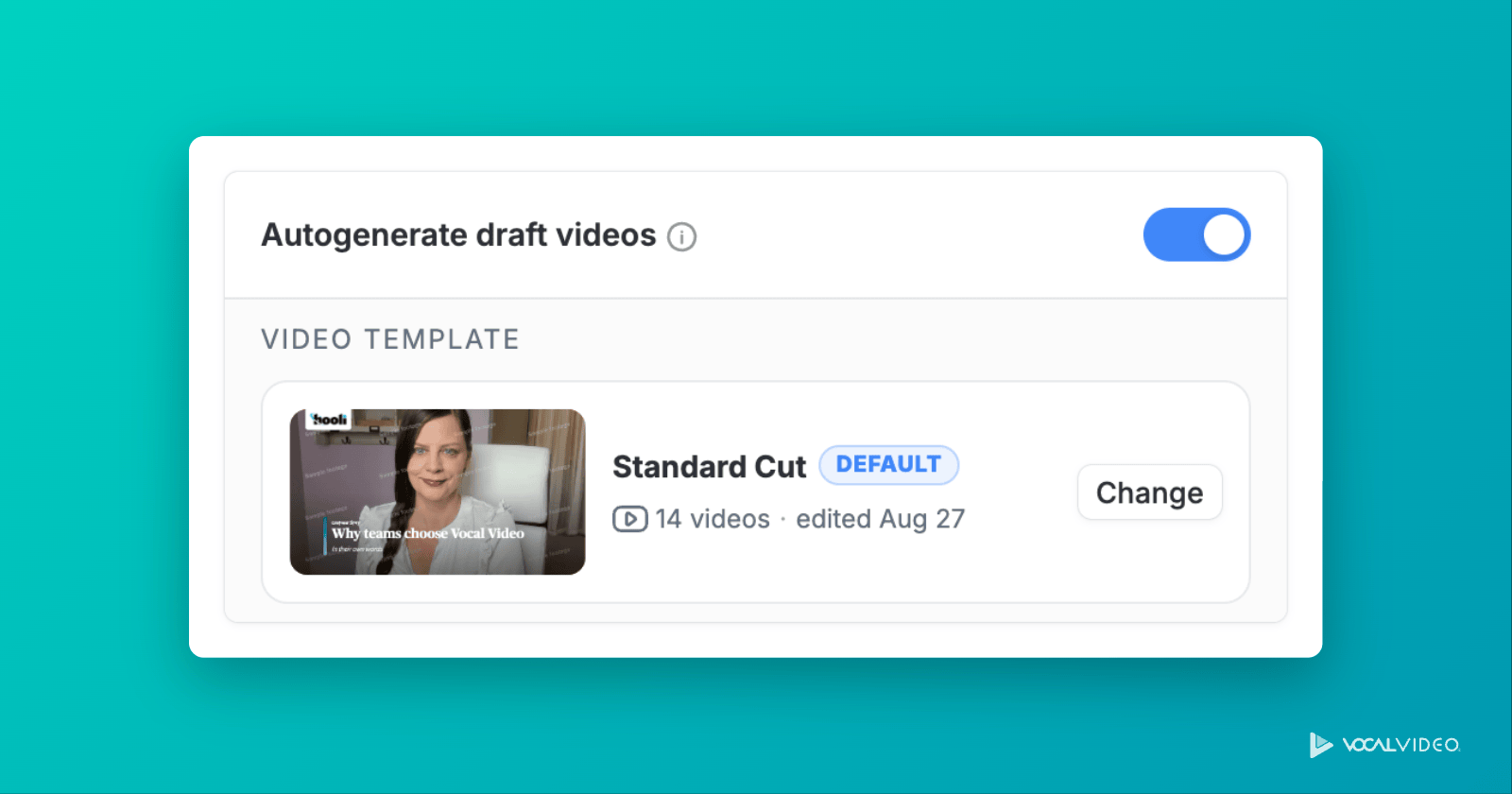
Autogenerate draft videos, the collector setting that turns each new response into a draft video, now lets you choose which template those drafts use, including any AI-directed template. Each new response arrives already cut in that template's style. You review it, change what you like, and publish. Publishing always stays your click.
Paired with an AI-directed template, a collector that runs continuously, say one that receives a video request every time a deal closes, produces a steady stream of ready-to-review videos cut the way you'd cut them yourself.
Captions, rebuilt
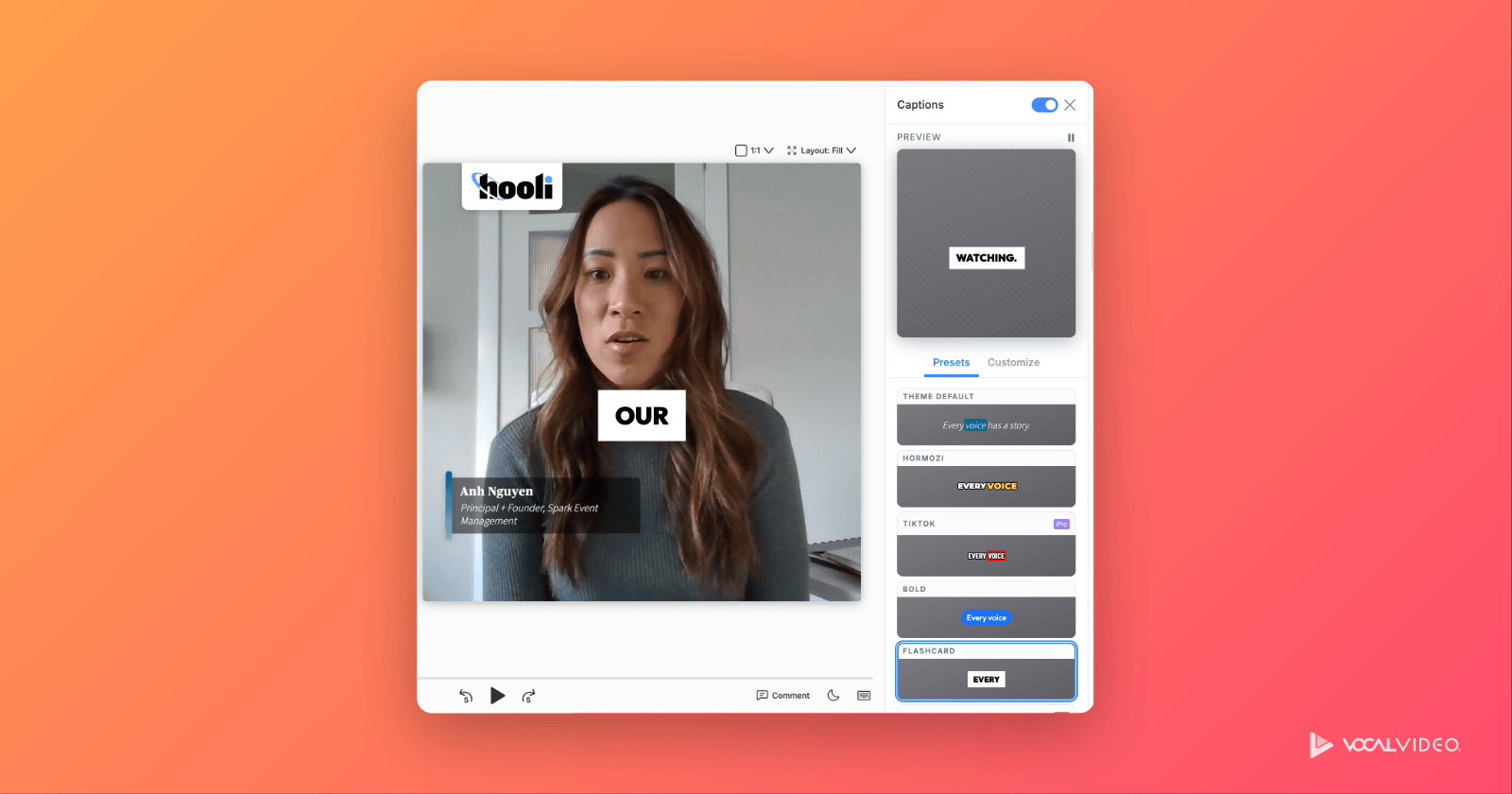
Captions got their biggest upgrade yet: 30 preset caption styles, from clean, corporate captions to bold, word-by-word TikTok-style animation, plus a Customize tab for size, position, fonts, colors, the highlighted word, backgrounds and motion. Set a style in a template and every video built from it uses it. See all 30 caption styles and how to choose one.
Use Vocal Video from Claude, ChatGPT and other AI assistants
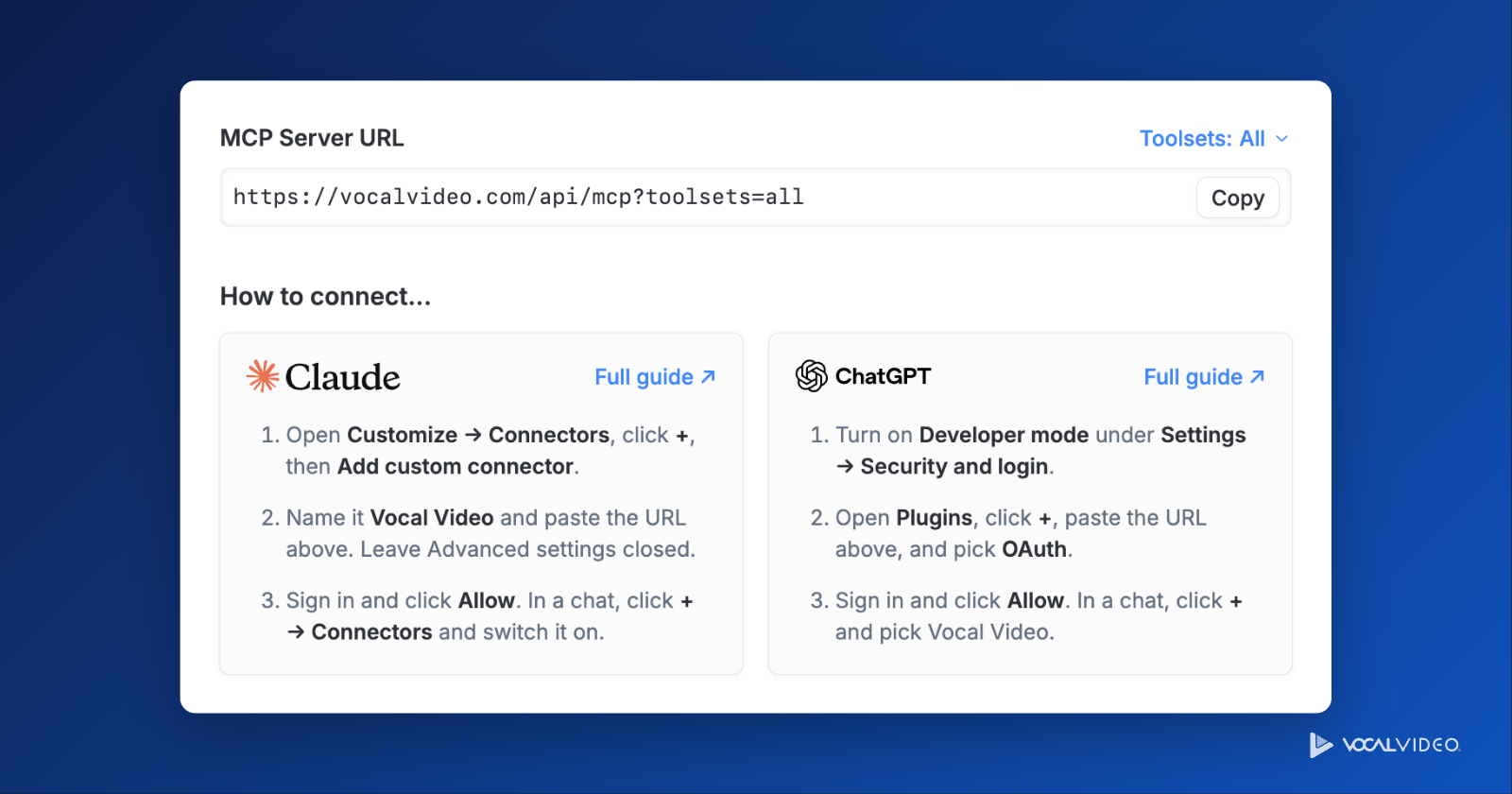
Vocal Video now has an MCP server, so an AI assistant you already use can read your responses, send video requests, and build, edit and share videos in your account. Paste one URL into Claude, ChatGPT (in Developer mode) or an MCP-capable editor such as Cursor, sign in, and start asking. You'll find the URL under Workspace settings → Connect AI Assistant (MCP).
- MCP server: included on Essential, Pro, Scale and Enterprise.
- API: the same tools are available as a REST API on Pro, Scale and Enterprise, for teams building their own integrations.
Setup guides for each assistant, and the full tool reference, are in our developer docs.
How AI credits work
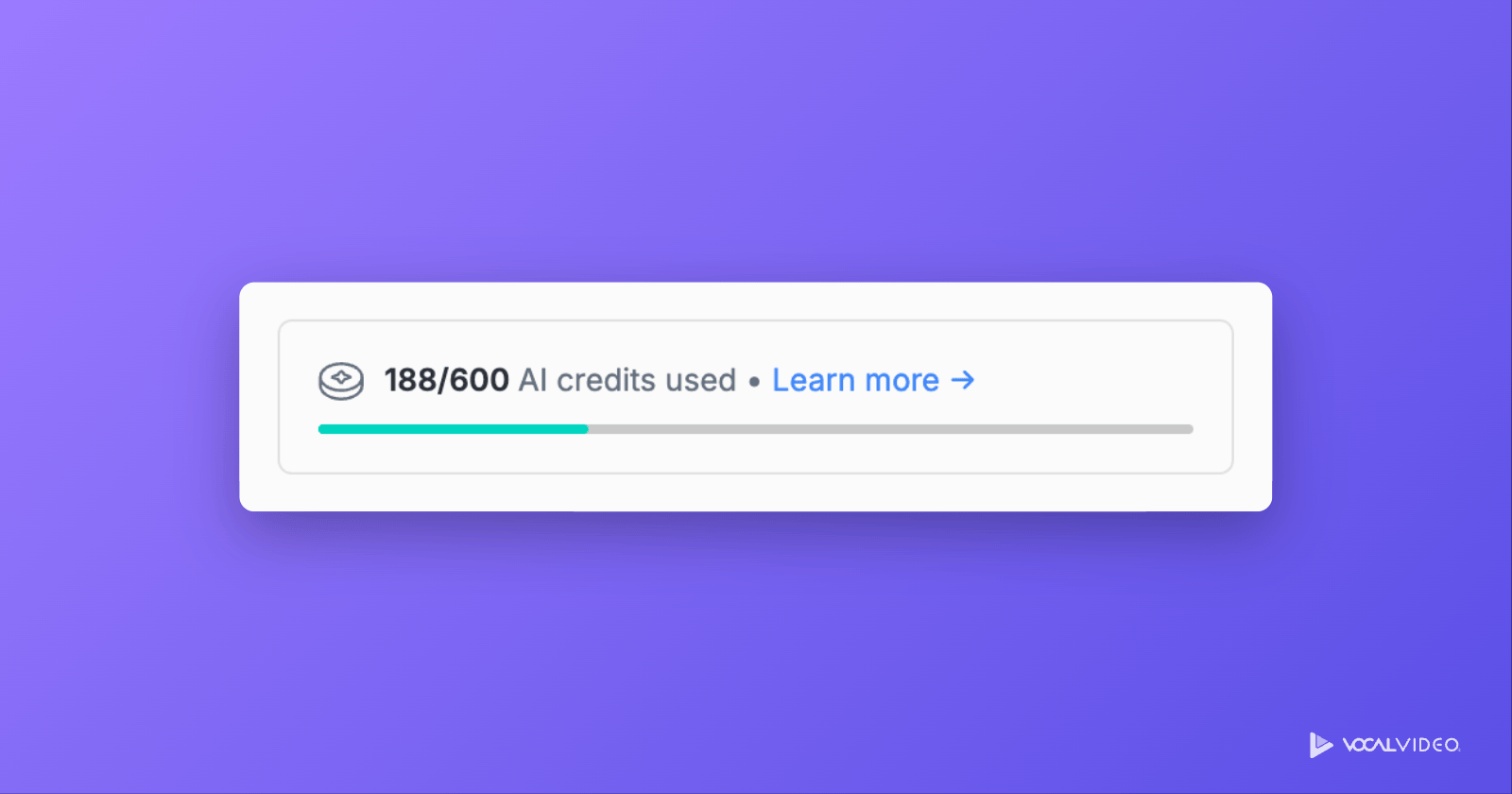
AI credits pay for the AI work Vocal Video does on your behalf. Every plan includes them:
- Free: 300, one time
- Essential: 600 per year
- Pro: 600 per year
- Scale: 1,200 per year
- Enterprise: Custom
Credits on paid plans refill each year when your subscription renews, and annual plans can add more with a credit block. See pricing for details.
What uses AI credits:
- Publishing a video with AI effects (Studio Sound, filler-word removal, gap shortening, or a background effect): 10 credits per minute of finished video, however many effects you stack. Only the first publish is charged, so fixing a typo and republishing is free.
- Building a video with an AI-directed template.
- Conversations with Vera, charged per request based on the work she did.
- Translating a collector with AI: 10 credits per translation, charged only when it succeeds.
If you run out, nothing is deleted and video collection carries on as normal. Videos using AI effects wait to publish until you turn those effects off or add credits, AI-directed templates fall back to a standard edit and tell you they did, and Vera pauses until credits are available.
What our AI will never do
Vocal Video's AI never generates a person, a voice, or a word someone didn't say. There are no AI avatars and no synthetic speech in Vocal Video, and there won't be. We use AI heavily, but only to produce and to save you time: to cut, caption, clean up audio, choose the strongest quotes, and write the titles and text around them. The proof in every video is a real person on camera, which is the whole reason it persuades.
Better video collectors
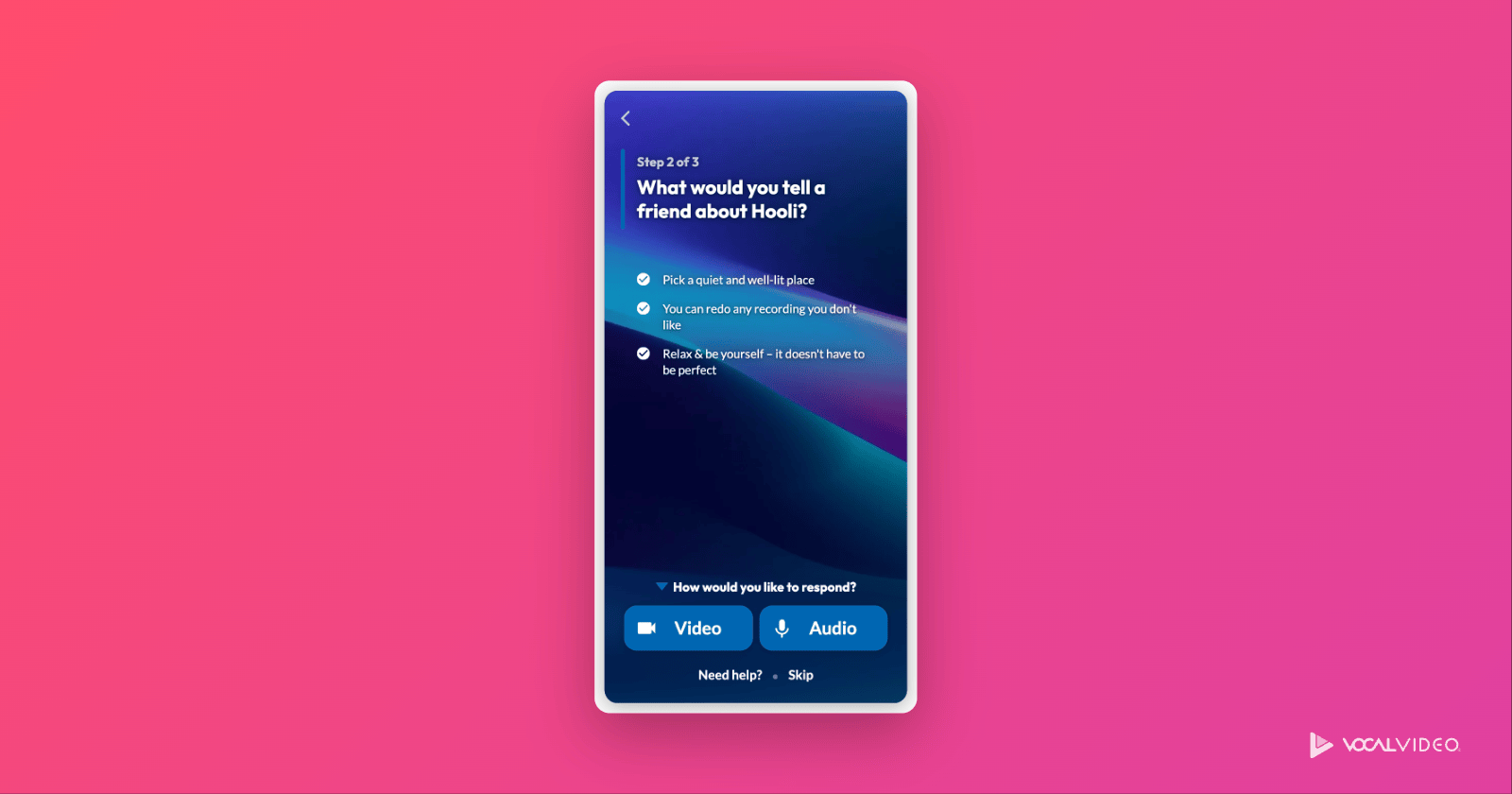
The recording experience your respondents see got more flexible, and more yours:
- Optional questions: mark any question after the first as optional, and respondents see a Skip link, so one question they'd rather not answer no longer ends their session.
- Your fonts: choose heading and body fonts for your collectors.
- Background images: upload your own or pick one from a stock library.
- Colors that stay readable: text and button labels now adjust for contrast against your brand colors, so light buttons and white backgrounds stay legible.
- A logo switch for each collector: choose whether your logo appears on it.
- Translate with AI: translate a collector's text in one step from its Customize or Translate Text settings.
Frequently asked questions
What is Vera in Vocal Video?
Vera is Vocal Video's AI assistant. She works inside your account: she builds videos from one response or several, sets up collectors, creates galleries, and finds the best moments in your responses when you ask in plain language.
Can Vocal Video combine several people's responses into one video?
Yes. Ask Vera for a highlight reel or a video featuring several respondents and she assembles it, using your template's design. An AI-directed template applied automatically to a collector builds one video per response.
Does Vocal Video's AI change what people said?
No. The AI chooses which parts of a recording to use and writes titles and on-screen text around them, but every word spoken in the video is the respondent's own recording. Vocal Video has no AI avatars or synthetic speech.
Which Vocal Video plans include the MCP server?
The MCP server is included on Essential, Pro, Scale and Enterprise plans. The REST API is included on Pro, Scale and Enterprise.
What happens if I run out of AI credits?
Collection carries on and nothing is deleted. Videos with AI effects wait to publish until you turn the effects off or add credits, AI-directed templates fall back to a standard edit, and Vera pauses. Paid-plan credits refill each year, and annual plans can add a credit block at any time.
Try it in your account
Vera, the template library and your AI credits are live in every Vocal Video account today. Open any video or template and look for Vera in the sidebar, or start a free account, which includes 300 AI credits to try them out.